
 Billing
  Change my package
  My current package
  Email
Email  Home move
  Check service status
  Help
Help  Account settings


Switch to Stream, our first-ever TV box where you can simply plug in and stream on. No cables, no drilling, no mess.
Switch in 2 easy steps

Start your upgrade
Get your upgrade started by selecting the “Switch now” button below

Set up Stream
When the new kit arrives, follow the instructions to get Stream set up
Say hello to Stream
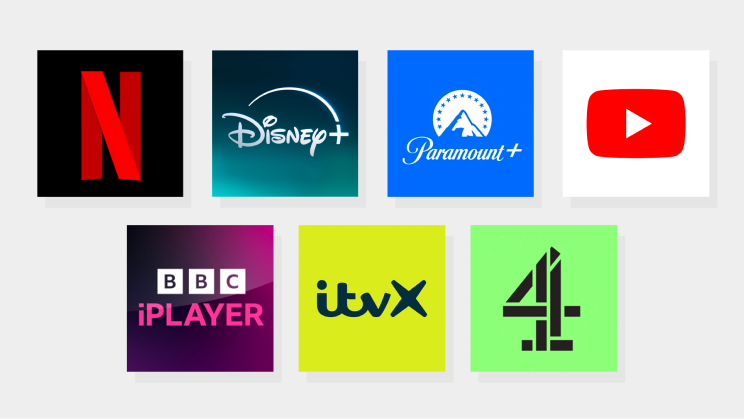
The apps you love, in one place
Stream has all of the UK’s most popular TV apps, like Paramount+, Disney+, Netflix and more for you to access and enjoy your subscriptions.
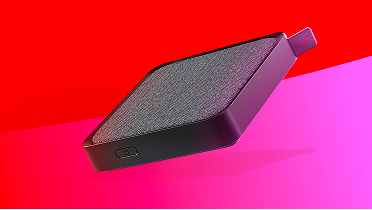
TV on your terms
Easily find and enjoy your favourite TV shows and movies using the remote’s super powerful Voice Control. You can also tell it to “Pause”, “Play” and use “Start over” to skip back to the beginning.
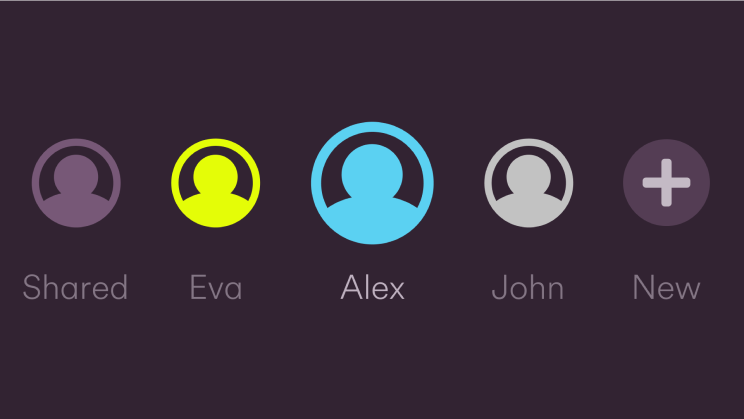
We’ve made it personal
Up to six of you can have your own profile, so you can jump back into the entertainment you love from the Personal Home Screen, with recommendations just for you.
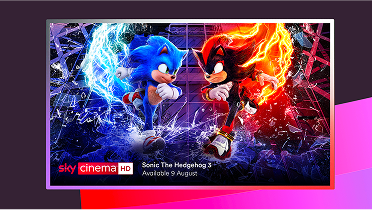
4K Ultra HD capable viewing experience
All Stream boxes are 4K and HDR-ready. Your picture will be super sharp, so you can get the most out of the shows and films you love.

Enjoy your recordings before you switch
We can’t transfer your recordings and settings when you switch to Stream, so make sure you watch the shows you need to before you hit that button.
The Stream box doesn't record in the traditional sense, as it doesn't contain a physical hard drive. However don't worry - The vast majority of the content you love can be found on Catch Up and On Demand, and can be added to your "Watchlist" for easy access.
Get your upgrade started by hitting the "switch now" button below
FAQs
Yes. This is because we can’t move your recordings and settings when you start the Virgin Media upgrade to Stream. We recommend you watch all the recorded shows you need to before upgrading. You’ll be able to watch loads of shows on Catch Up or On Demand (depending on which TV pack you have). Once you’ve upgraded, you’ll find more shows and movies to get hooked on in no time.
There’s no extra cost, meaning you can upgrade to Stream for free.
Once you’ve requested your upgrade, it can take up to 7 days for us to process your order and then 3 to 5 days to deliver your kit in the post. When your new TV box arrives, you can set things up yourself on the day.
If you currently have two TV boxes, we will replace them both with two Stream boxes. Follow the installation instructions and repeat the process. Having multiple Stream boxes means you also qualify for our WiFi Guarantee – more info on that here.